


A new home for our partners
For a long time, working with Plainwise as a reseller meant working through us. You wanted to add a workspace? You emailed Hugo. You needed a flyer with your logo on it? You asked Thijmen. You wanted to know how many calls a practice handled last week? You opened a ticket.
That worked when we had a handful of partners. It doesn't work anymore.
So we built something new: a dedicated partner environment, integrated into the client portal, where you can do the things you've been asking us to let you do for over a year. It's live today for our active partners, and we're enabling new ones every week.
What you'll find when you log in
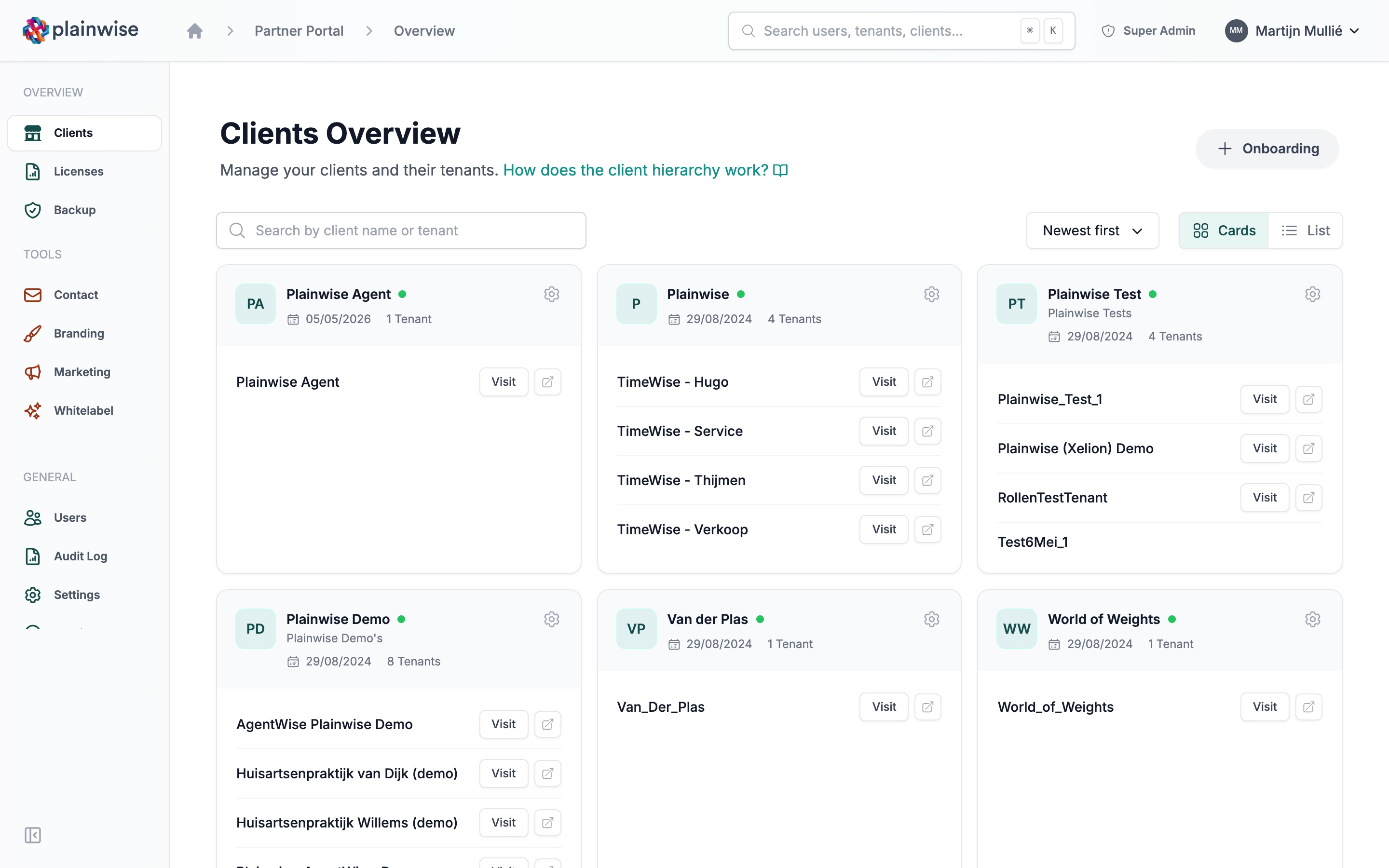
The first thing you see is a dashboard with the numbers that matter: how many clients you have, how many workspaces are active and how many calls have been handled across your portfolio. Below that, nine tiles take you to the parts you'll use most: clients, licences, onboarding, backups, whitelabel, audit log, users, settings and contact with us.
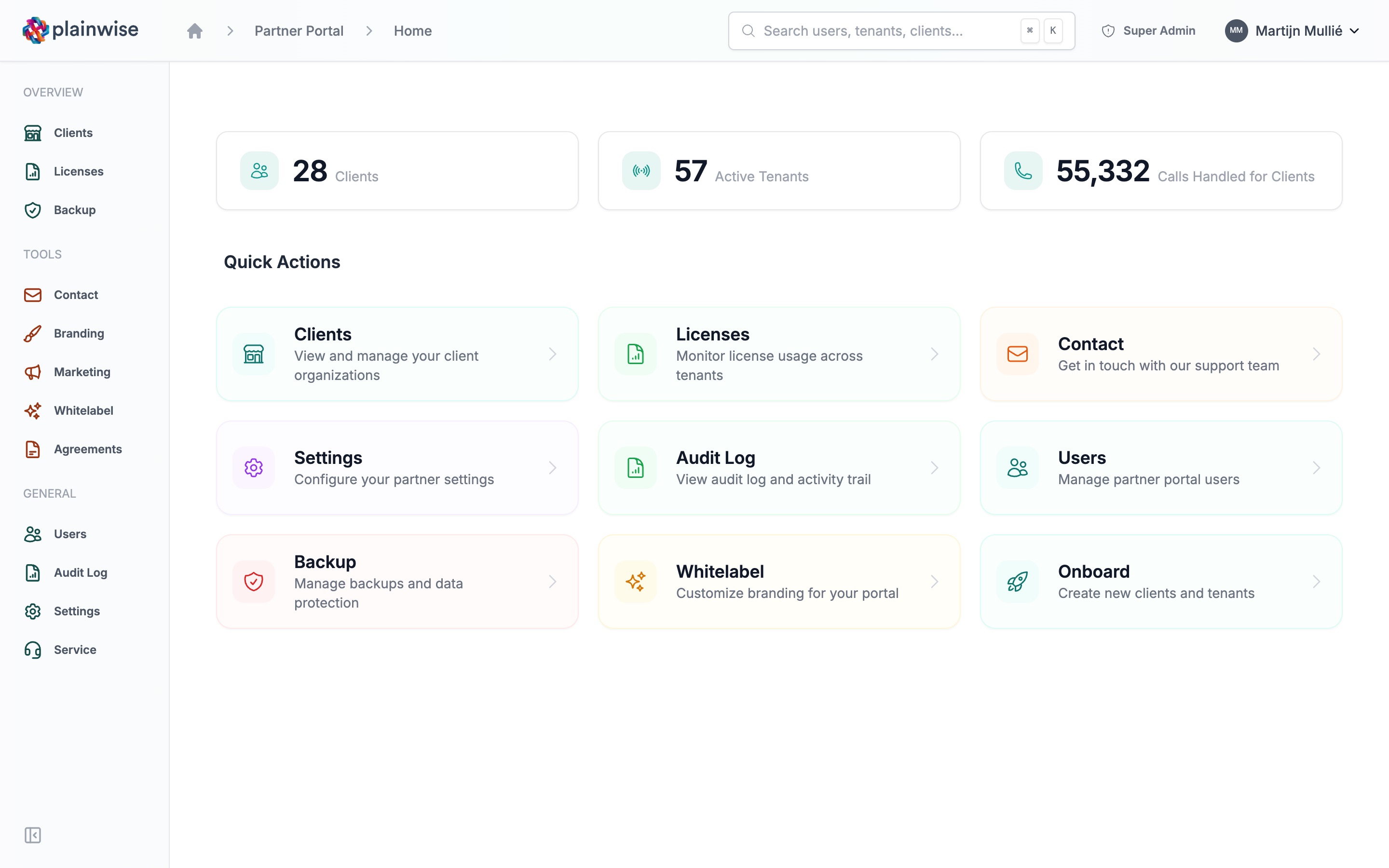
The sidebar is split into three groups. Overview holds clients, licences and backups. Tools holds contact, branding, marketing, whitelabel and agreements. General holds users, audit log, settings and service.
Onboarding, the way it should be
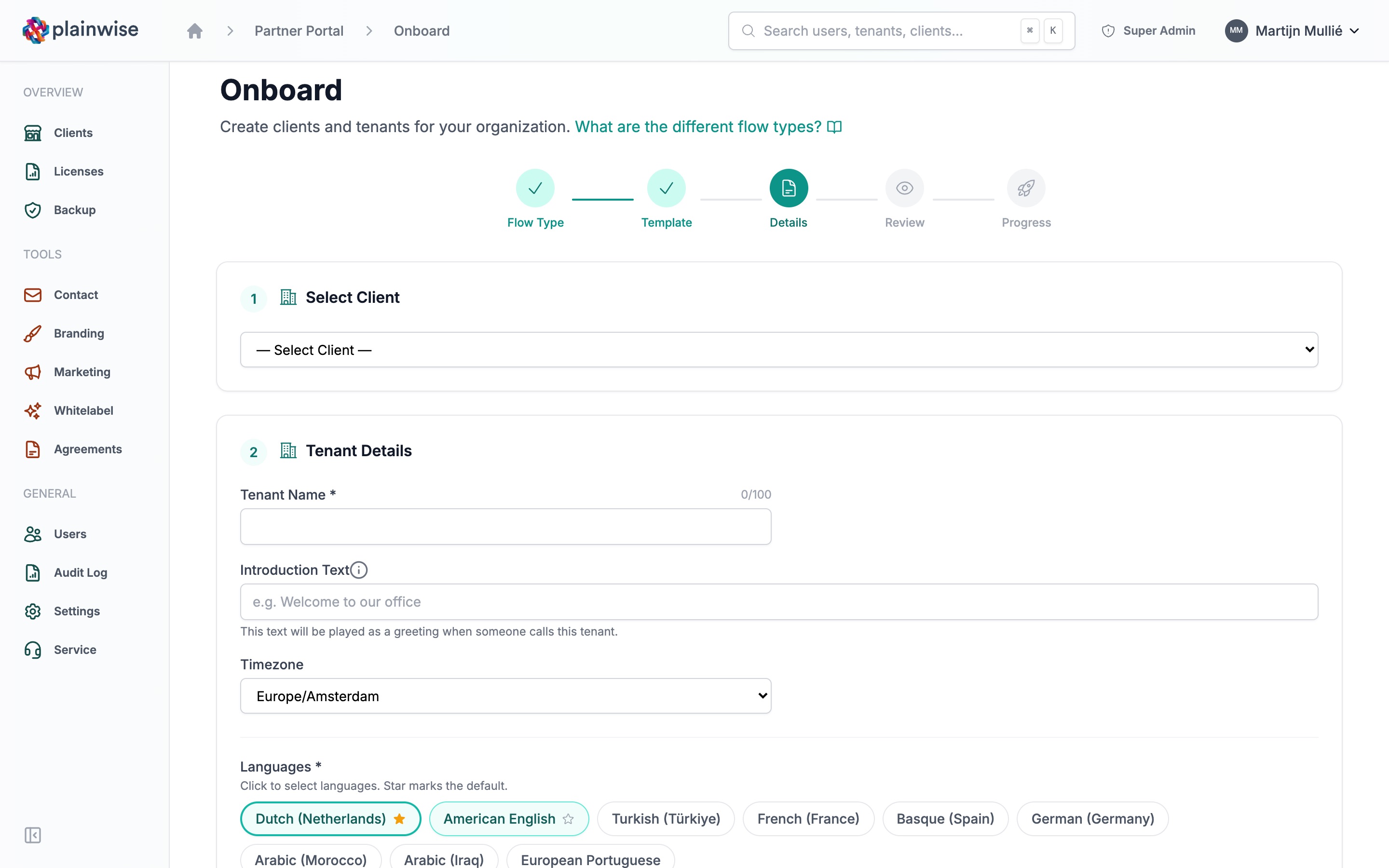
The piece we're most proud of is the onboarding wizard. Five clear steps: pick the flow, choose a template, fill in the details, review, and follow the progress.
It handles three scenarios out of the box. A brand-new client with their first workspace. An extra workspace for an existing client. Or a client without a workspace yet, for when the contract is signed before the practice is ready to switch on.
Pick the general practice template and the wizard pre-fills timezone, Dutch and English language settings, and the standard 08:00 to 17:00 weekday opening hours. Other templates do the same for their own setup. You can change anything. You rarely need to.
What used to take days of back-and-forth now takes you a few minutes. You see live how far the setup has got while it runs in the background.
Your brand, front and centre
Under Whitelabel you can upload two versions of your logo: one for the full sidebar and login screen, one for the collapsed view and mobile. There's an in-browser cropper so you don't have to open Photoshop. Live preview, so you can see the result before you commit.
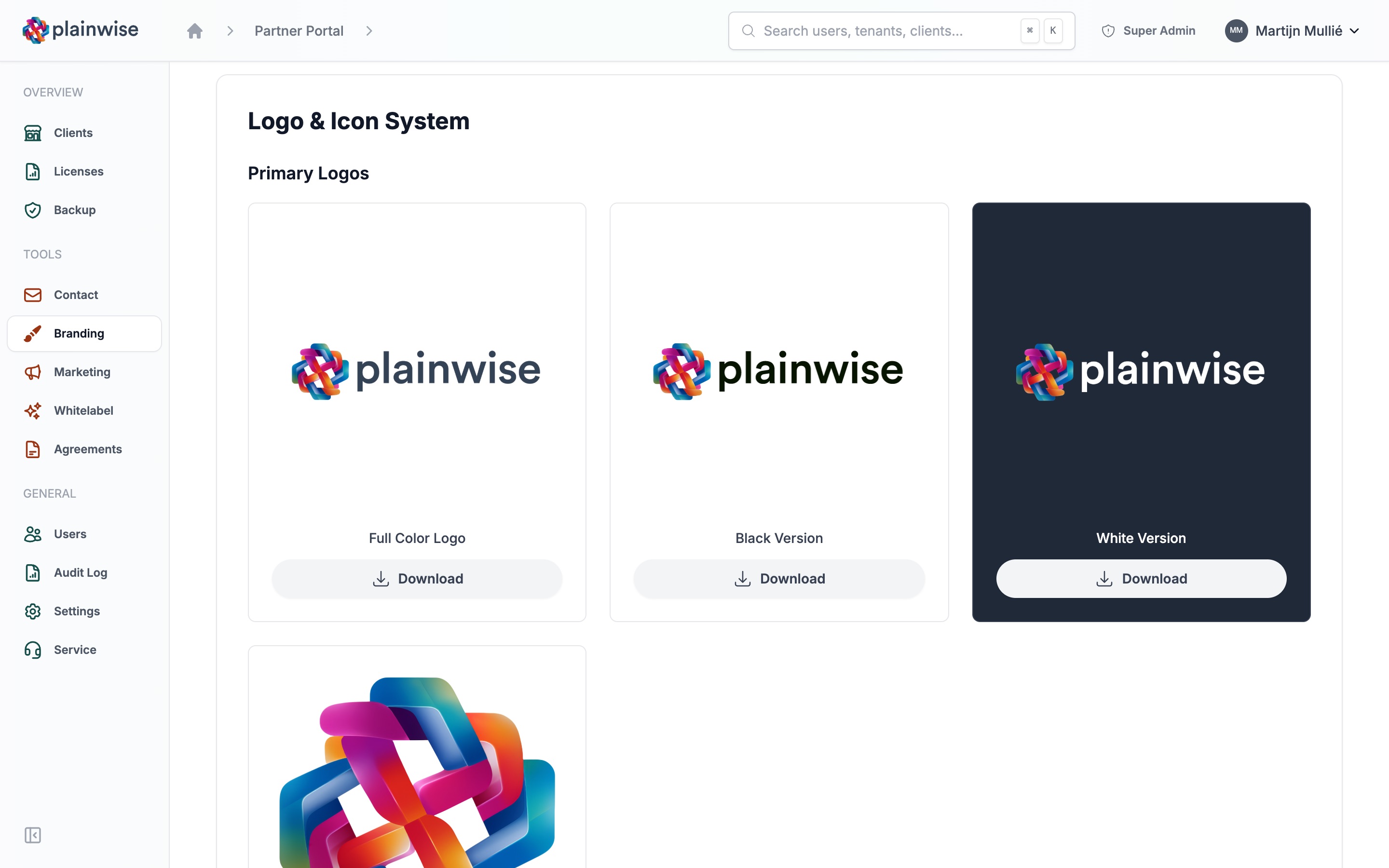
Under Branding you'll find the Plainwise logos ready to download, for when you talk about Plainwise in your own materials.
And under Marketing we've put the documents partners ask us for most often: the Timewise and Talkwise whitepapers, previewable in the browser and downloadable in one click. Next to them sits a Timewise flyer with your logo, which we have printed for you.
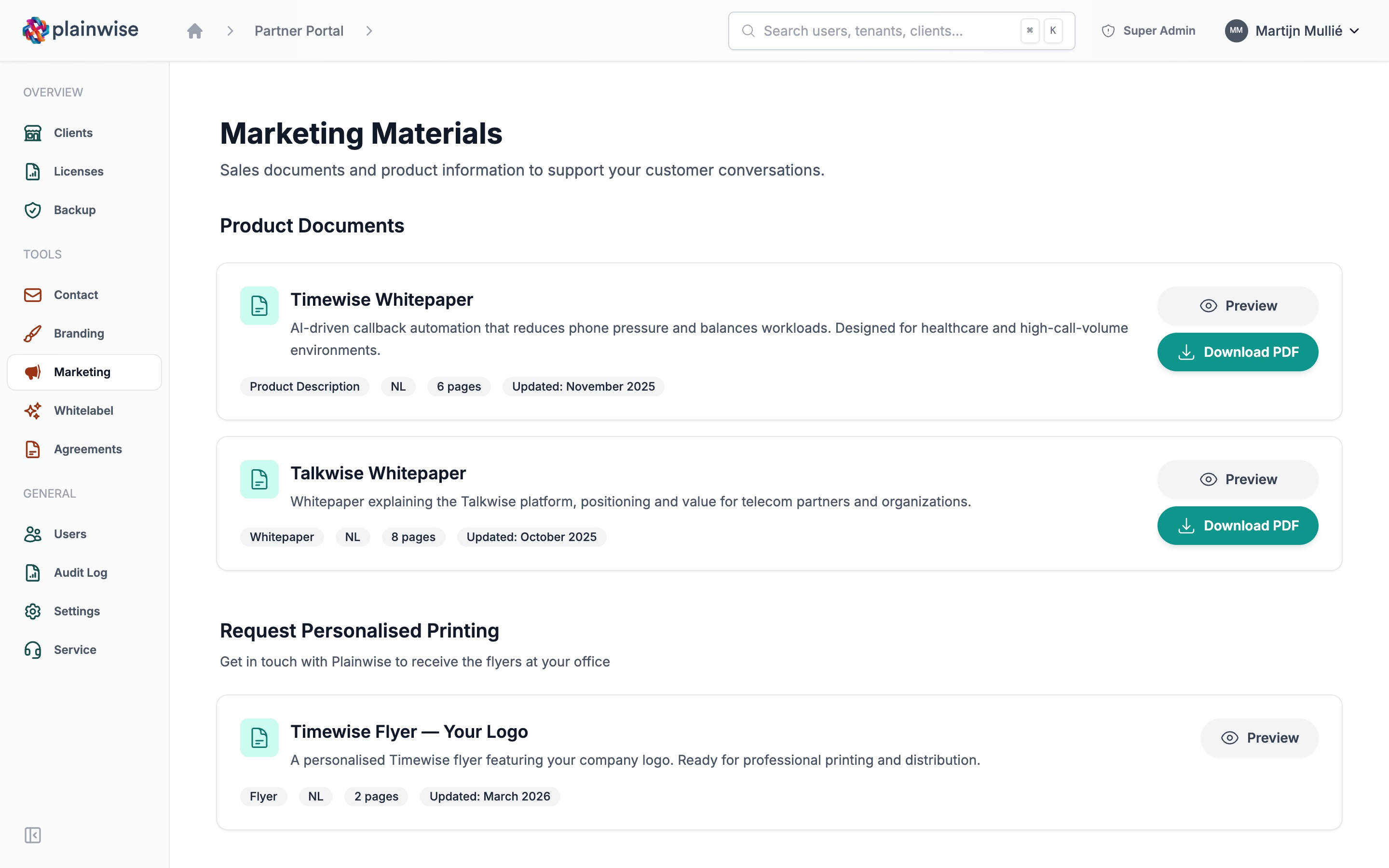
No more asking us for the latest version. No more outdated decks in a shared drive.
Visibility without the spreadsheet
The audit log keeps you in control. Activity across your portfolio, filters by category, action, date range or user, and a CSV export when you need to share with finance or compliance. The audit log is searchable, so you can answer a "who changed what" question in seconds.
Under Licences you see licence usage per workspace, and under Agreements you'll find your agreements with Plainwise.
Want to step into a client's workspace to help them with something? Visit opens their workspace, so you see what they see, and you step back out. No password resets, no shared logins.
What's next
The environment is fully live in Dutch, English and German today. Next up: deeper integrations with the rest of Plainwise as the platform grows.
If you're already a Plainwise partner and you don't have access yet, drop us a line. If you're thinking about becoming one and want to see what working with us looks like from your side of the table, we'd love to show you. Get in touch with our partner team and we'll walk you through it.
We've spent two years building the platform. We've spent the last six months making it something you can sell, support and shape without us standing in the way. This is the start of that.


